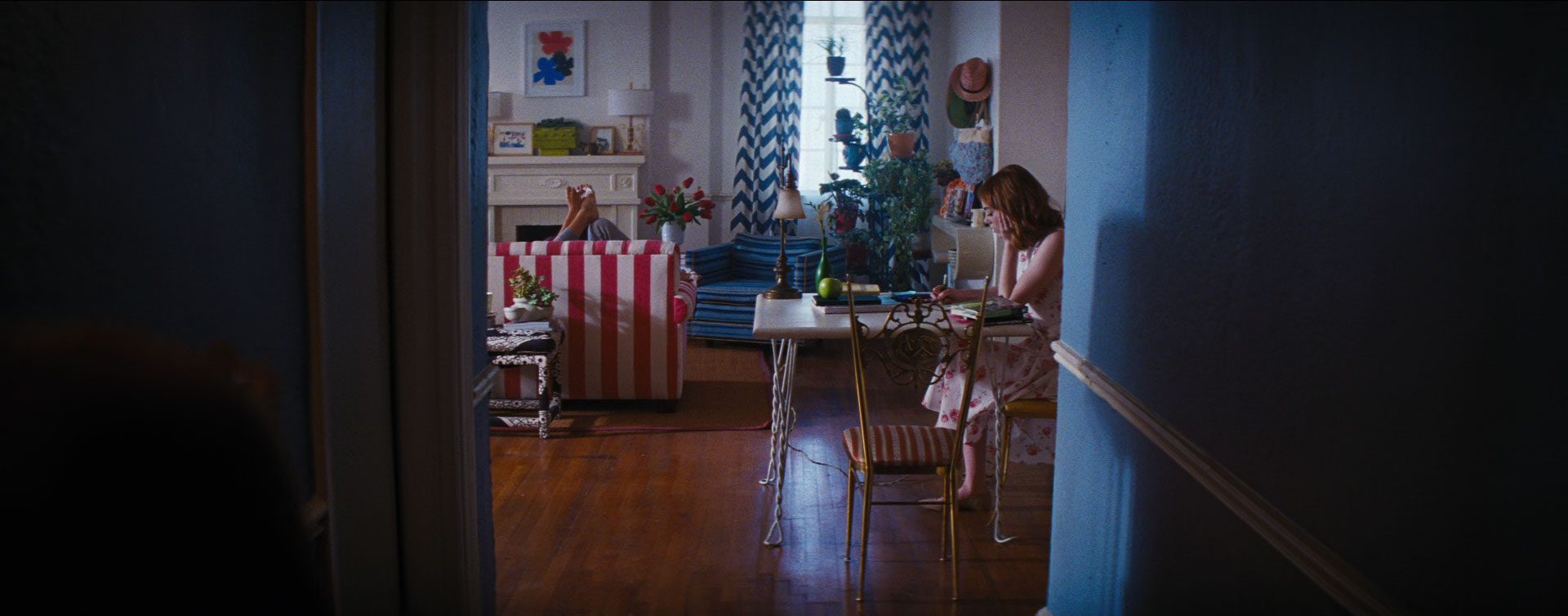
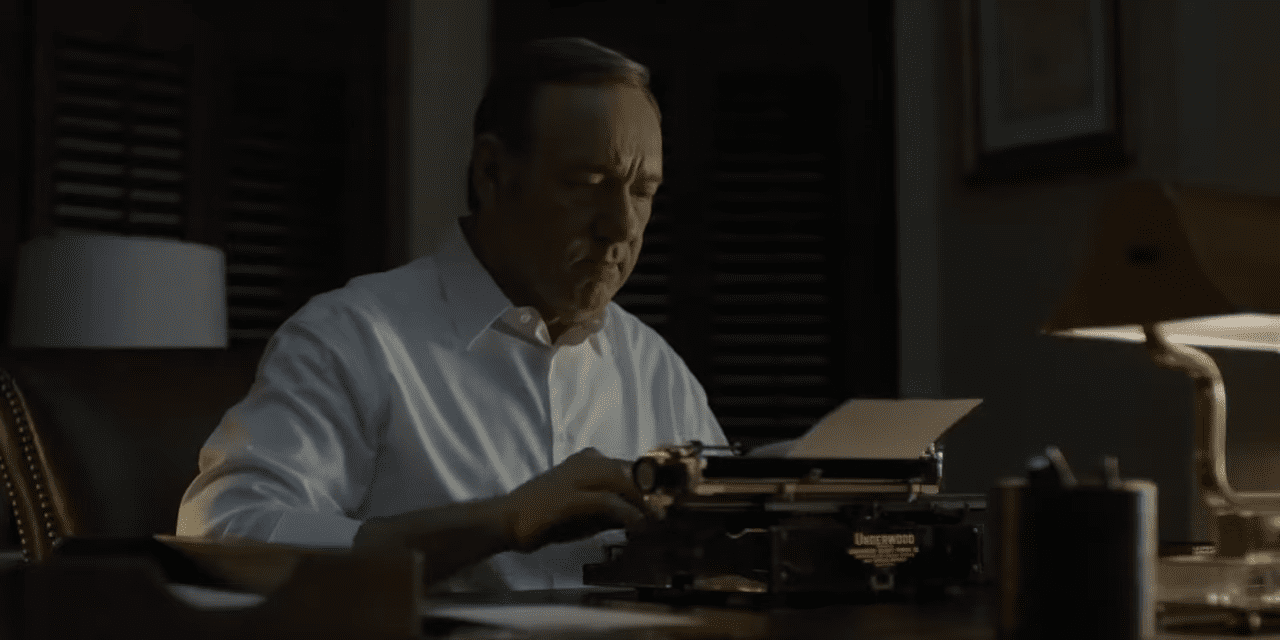
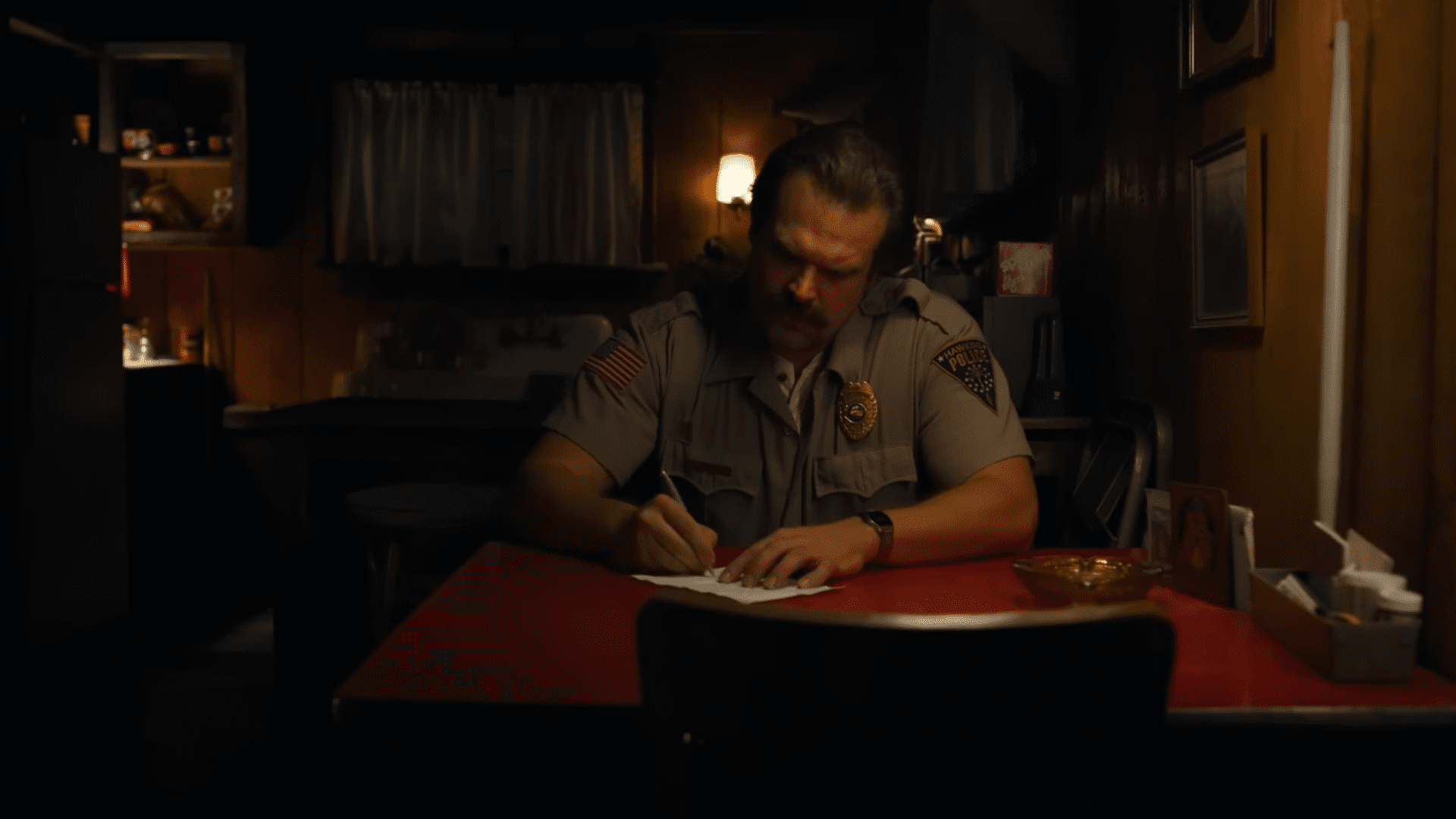
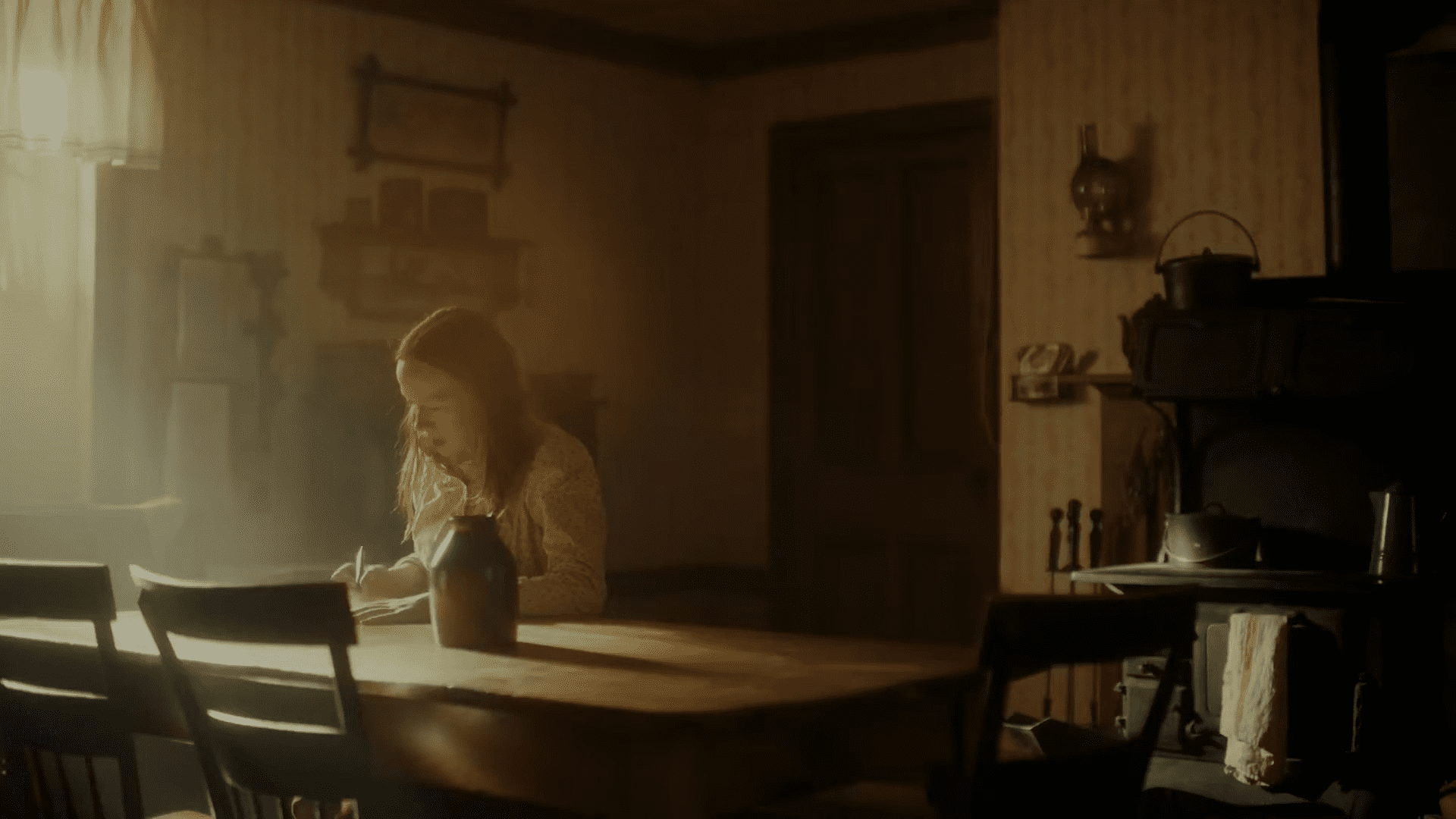
MICRO FILM Challenge #1: Writing a Letter
Welcome to the Indie Filmmakers Community’s first Micro Film Challenge.
Here, the goal is getting you to make a (micro) film and celebrating it by knighting you a filmmaker in front of the community.
These challenges are designed to be fun, accessible, and skill-building—awesome for getting your head out of your ass and into shooting. And they’re meant to be enjoyed by all levels of filmmakers.
Get your creative blood pumping, exercise your creativity, test your gear, and practicing your filmmaking process, from ideation to writing, pre-production, production, editing, and even VFX.
What You Need
- One Person (you): to shoot and act (or find a plus one to operate the camera or act)
- Your phone or camera plus lens
- A tripod would be great if you’re alone (you can use a chair or ladder, some balancing skills, and a bit of sticky tape to achieve a similar effect)
- A monitor or second screen to preview if you are filming alone (optional but useful)
- Your phone or PC/laptop for editing the final footage
- A light source (maybe your regular room lighting or an outside projector and a white cloth acting as a diffuser to do the trick)
Micro Film Challenge #1:
Writting a Letter
Aside from walking away from (or toward) explosions, nothing looks cooler than someone writing a letter on screen.
Okay, maybe not. But it’s still cool. And a lot of fun to shoot.
You can even get away with a couple of simple shots and setups to illustrate the situation:
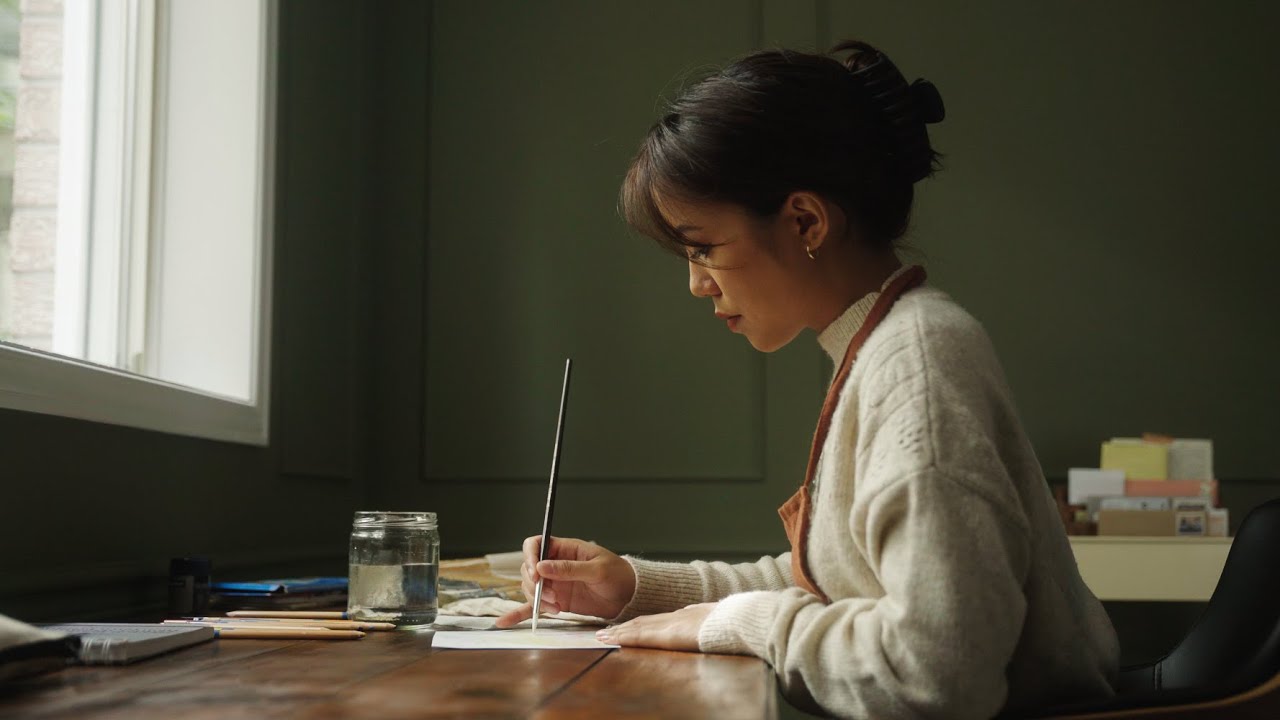
- Wide Shot of the person sitting, writing or typing.
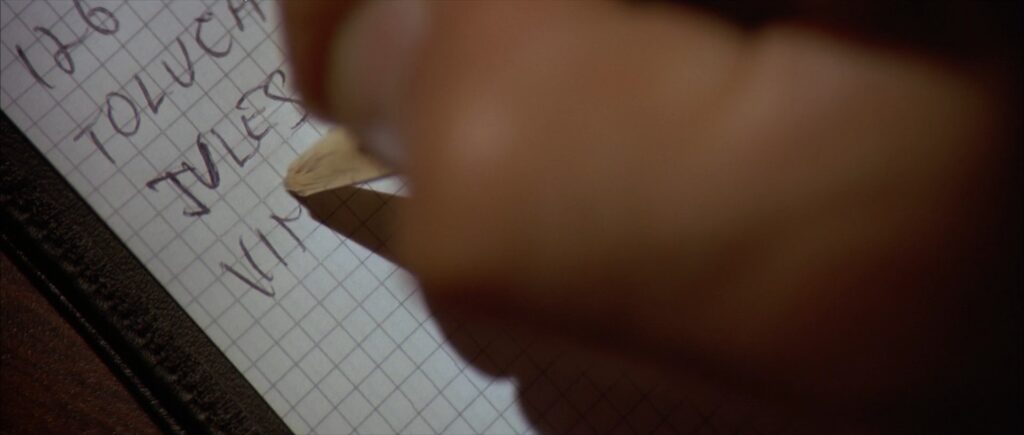
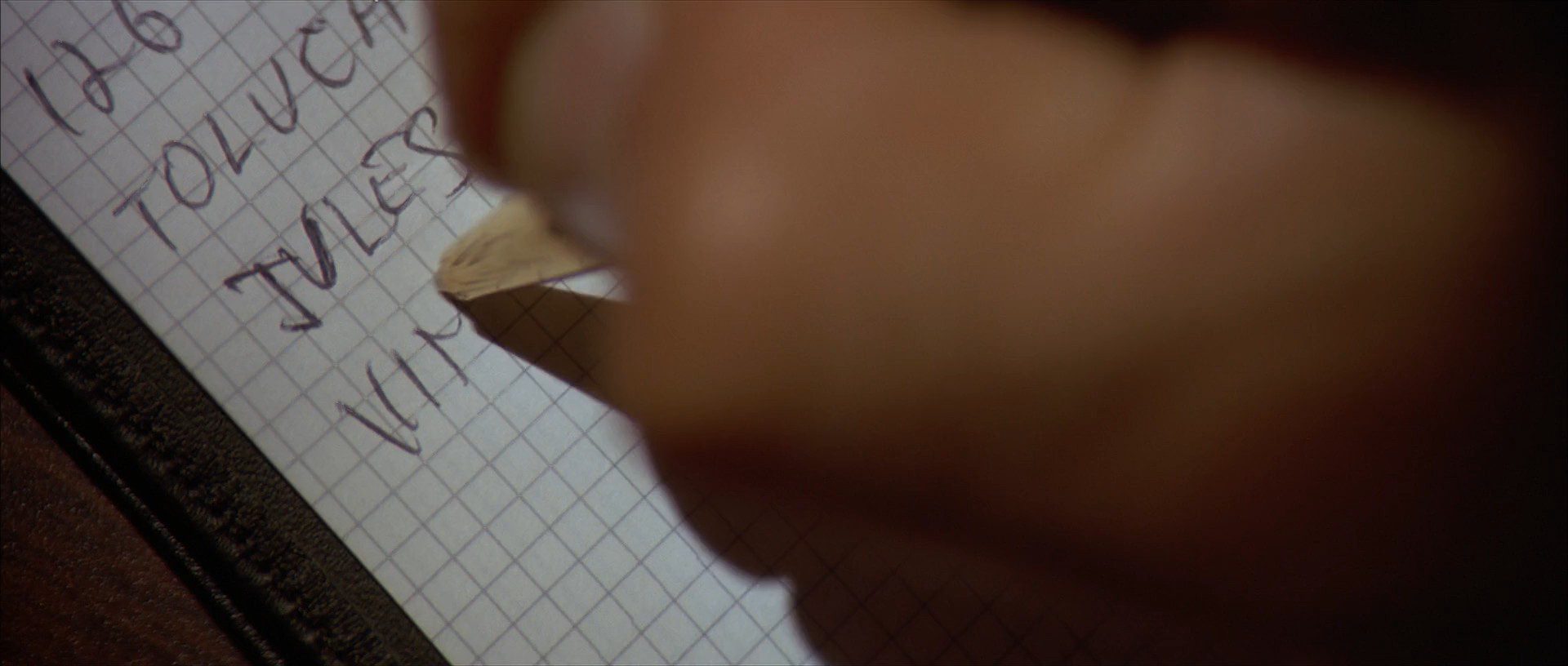
- Close-Up of the pen on paper, typewriter or keyboard.
- Close-up: on the writer’s face
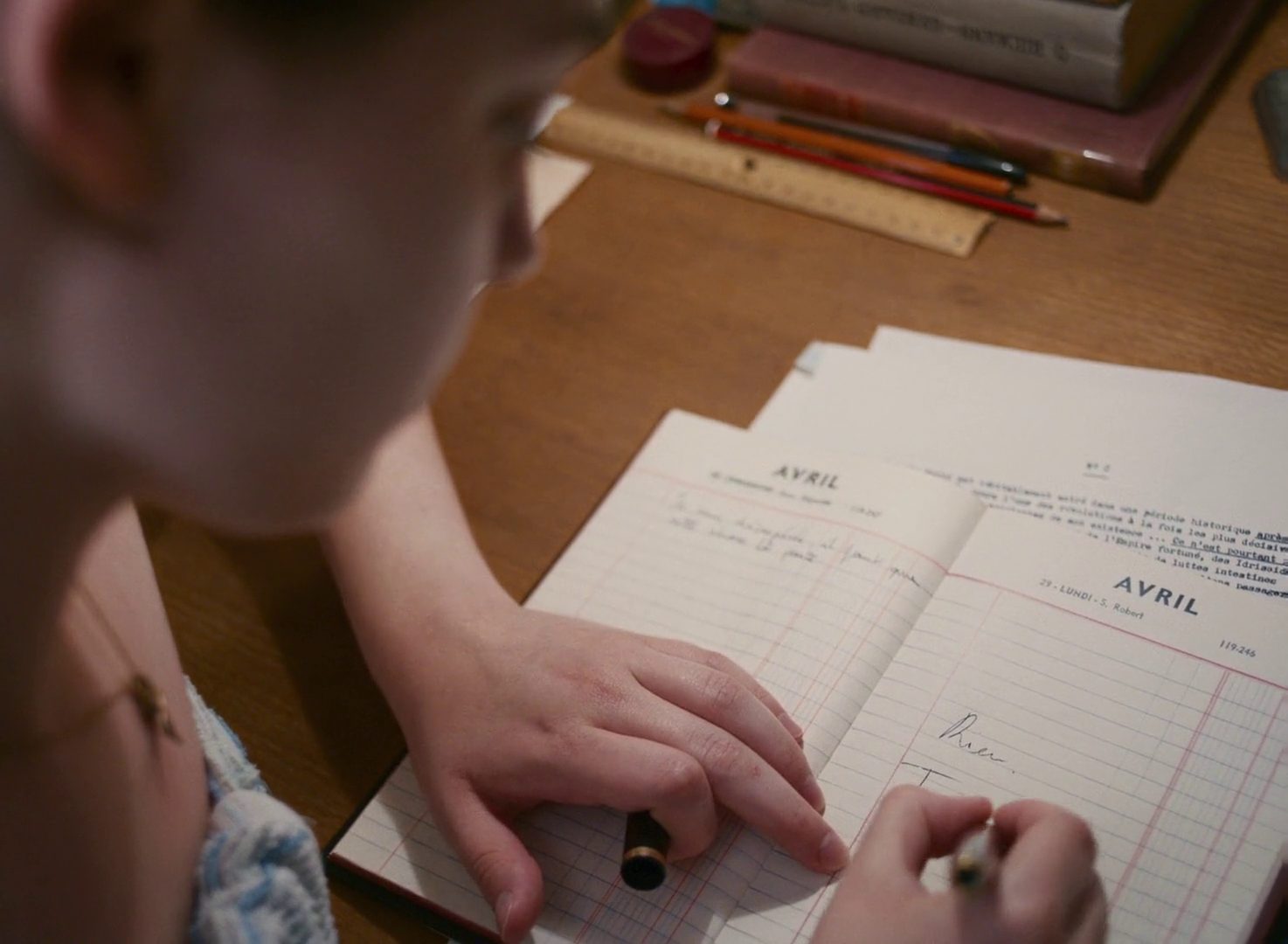
- Over-the-Shoulder: Closer to the writing and over the shoulder of the actor.
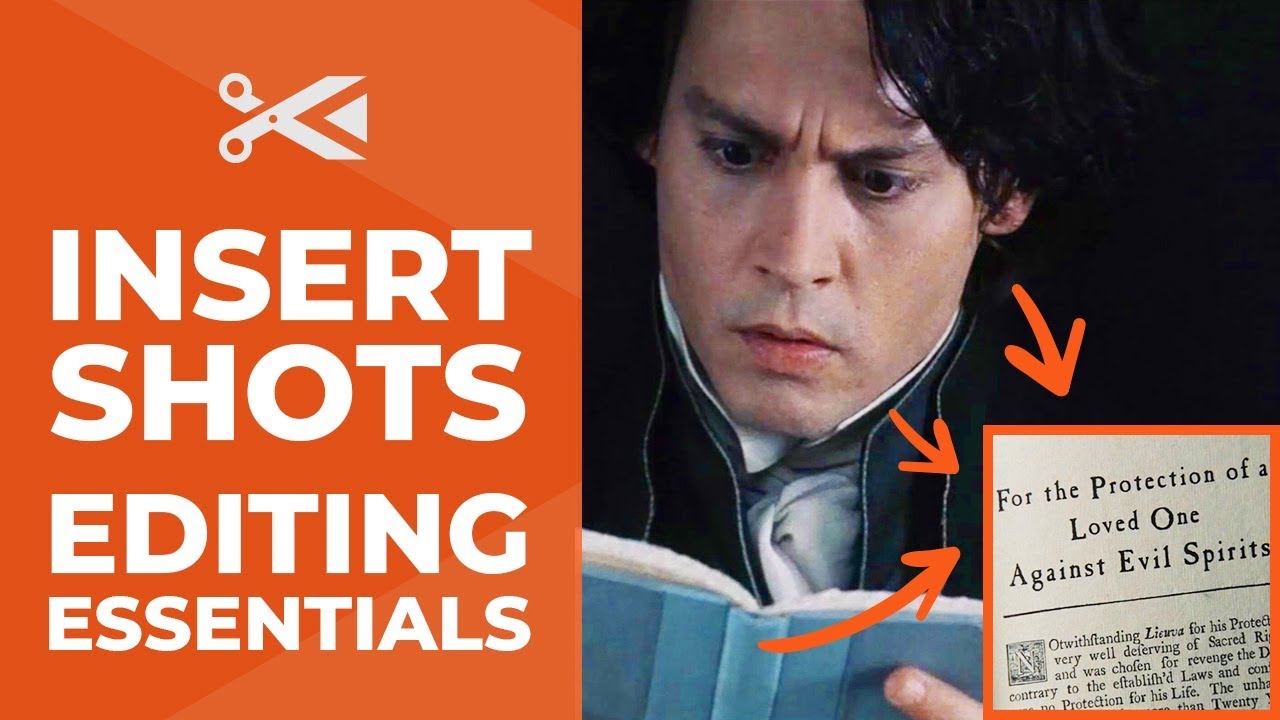
- Insert of the letter at a readable distance.
- Medium Shot: Some reaction to what’s written.
15 minutes shoot. Quick edit. Done. You can post it to the world, be done with it, and call yourself a filmmaker (yes, it does count).
But if you feel like it and if you can find the time, you can (and should) push it further.
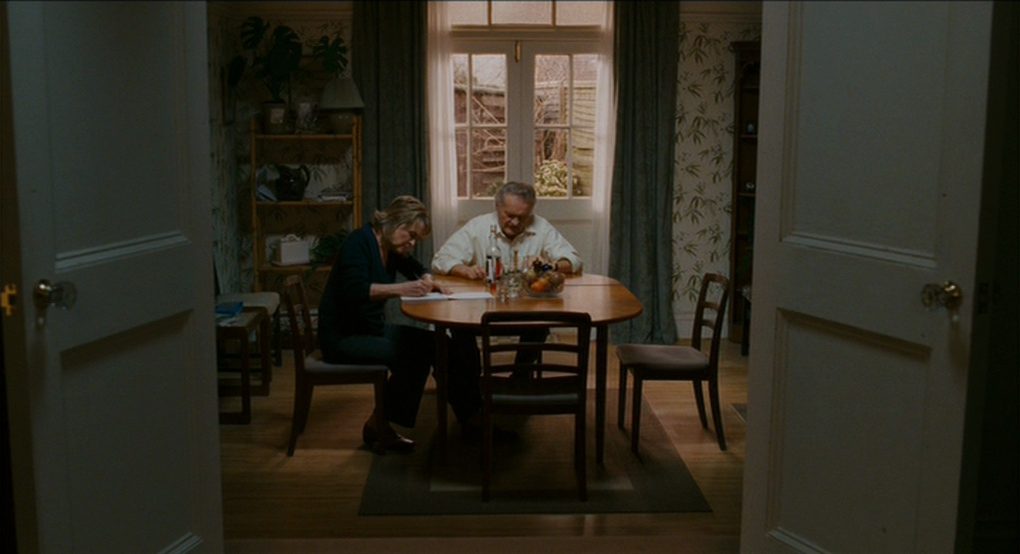
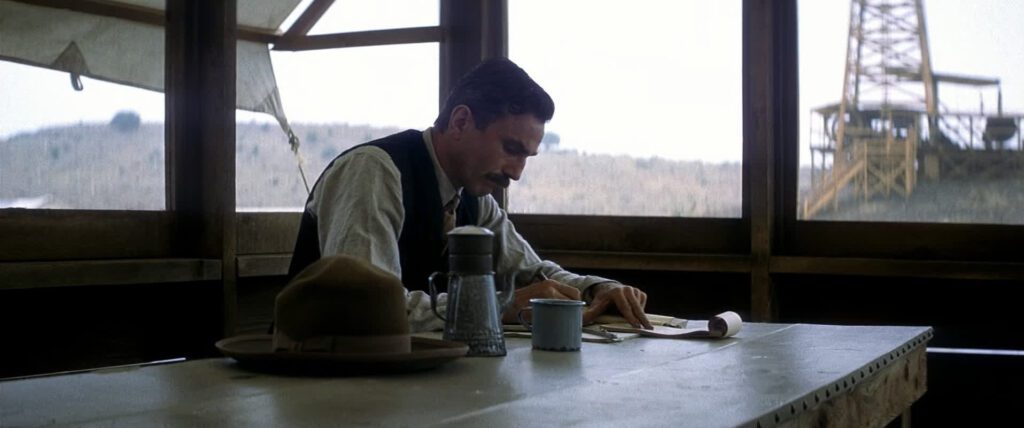
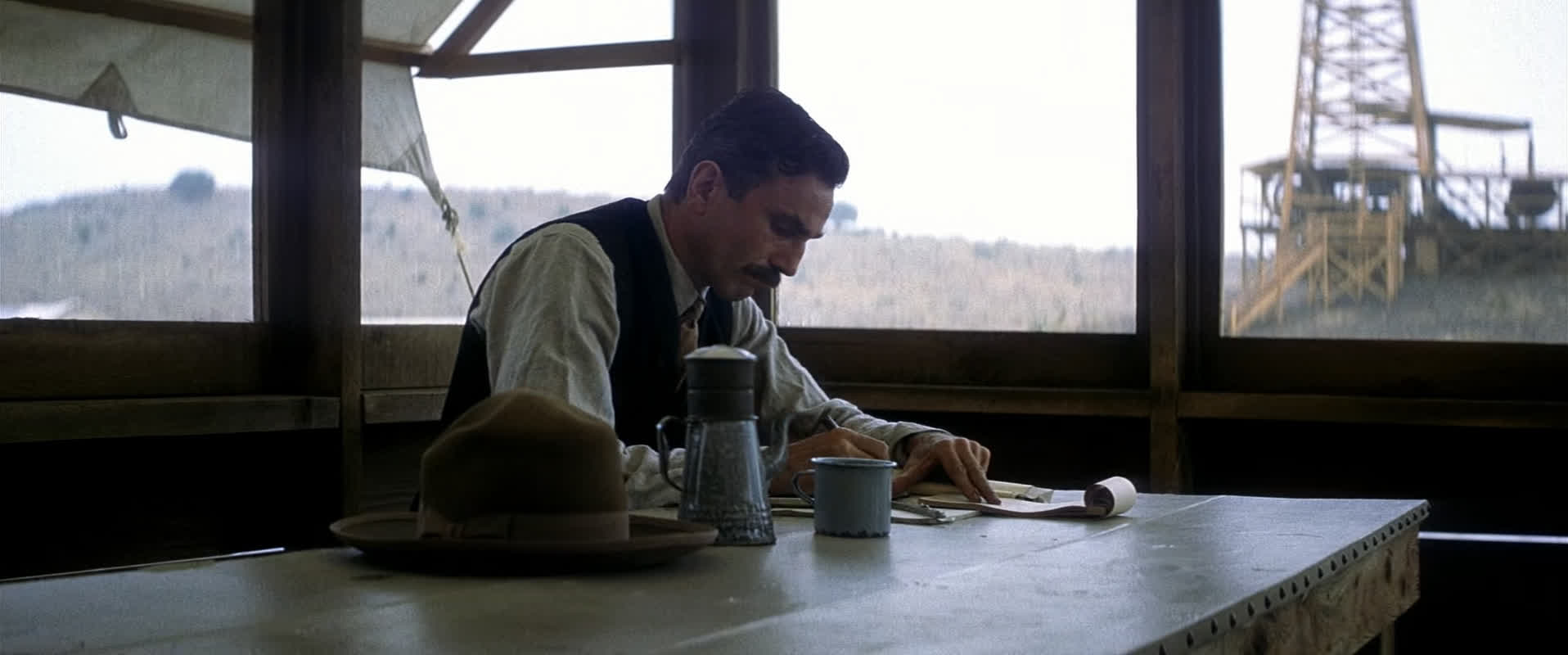
Writting Scene from the Green Book (2018)
Unleash Your Creativity
We’re all wandering minds in here. So we encourage you to indulge whatever your filmmaker heart desires.
Let’s summon the creative gods and brainstorm it into gear.
DRAW OUT THE STORY
How many ideas can you come up with for a micro story about someone writing?
- Why is the protagonist writing?
- Does he use a pen, a computer or a typewritter?
- Who is it for?
- Is someone else there?
- What’s the subtext of the scene?
- What if the character is gasping for air and we don’t know why?
- What if he is getting a call with a vocoder scary voice on the other side, giving him instructions to write down?
- What if it’s a letter for Santa? Or for an unborn child? Or a deceased one? Or for himself?
Jot down what you come up with.
SETUP & PAYOFF
You can build up the story. Maybe come up with a previous scene to motivate the writing, and (or) one after the writing of the letter.
Here are a few ideas to get you going:
- What if it is a suicide note and after he grabs a rope?
- Or a permission slip for the only daughter’s semester across the world and then the protagonist locks away her passport?
- A signature on a massive government contract?
- You can use a voiceover to narrate the writing of the letter;
- Use a flashback or flashforward to give context on the letter or even contrast it with a memory, reality, or future.
- Make it a genre piece.
- Crank up the drama out of it.
- Subvert expectations.
- Go into horror and drop a jump scare.
- Or lean into comedy and have a smash cut showing the jarring opposite of the intended letter content.
- Make it a fantasy character writing in space
- Or a medieval one writing on a stone desk with a quill.
Maybe check what you have available and use it in the script.
Have some fun coming up with ideas, and then check if any make your filmmaking senses tingle.
Make It “Cinematic”
You can also go knee-deep into the cinematography. Here are some ideas:
- Use a fog or haze machine;
- Use some mist filters on the lens;
- Use an anamorphic lens (if you have one) and/or crop it to 2.39:1 cinemascope.
- Set up a 3-point lighting system and shoot from the shadow side.
- Use motivational lighting.
- Use a negative fill (dark cloth) to bring down the shadows on one side.
- Crank up the composition:
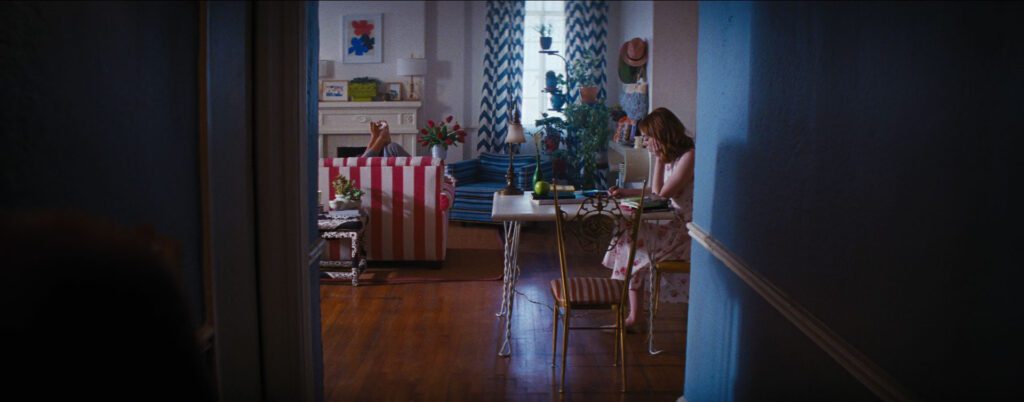
- Make a frame within a frame,
- Dirty the frame with plants or furniture.
- Experiment with some really cool camera movement (hard to do if alone).
- Play with aperture and depth of field.
- Mix light color temperatures and contrasts.
- Paint with light.
- Or go into crazy VFX.
A feast for the ears
Nothing sets a mundane scene apart like a great sound mix.
Foley the hell out of it. We mean hearing it all, like:
- The pen scratching the paper,
- The sleeve rustling,
- The leather chair squeaking as the character leans forward,
- Ambience sound, like the firewood crackling.
You can also record some internal monologue (or external dialogue). Hate your voice? Ask a friend or use AI (the filmmaking gods will pardon you on this one).
Use music. You can put a record player in the shot and have the music start diegetically.
Pre-Production: Shotlist
How many angles and setups can you come up with for someone writing a note?
Nothing beats searching for how many different variations one filmmaker can come up with for the same thing.
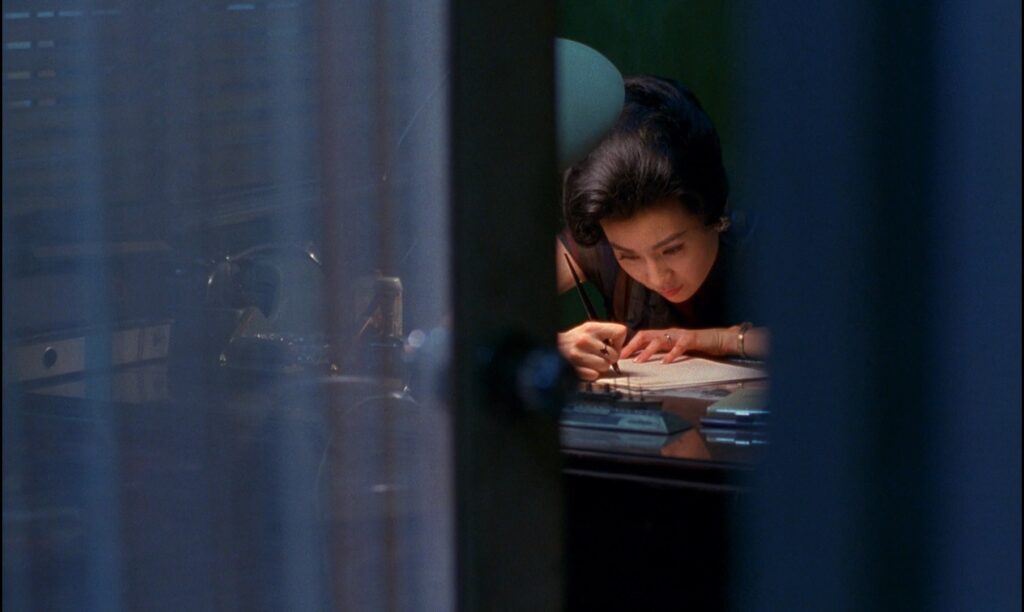
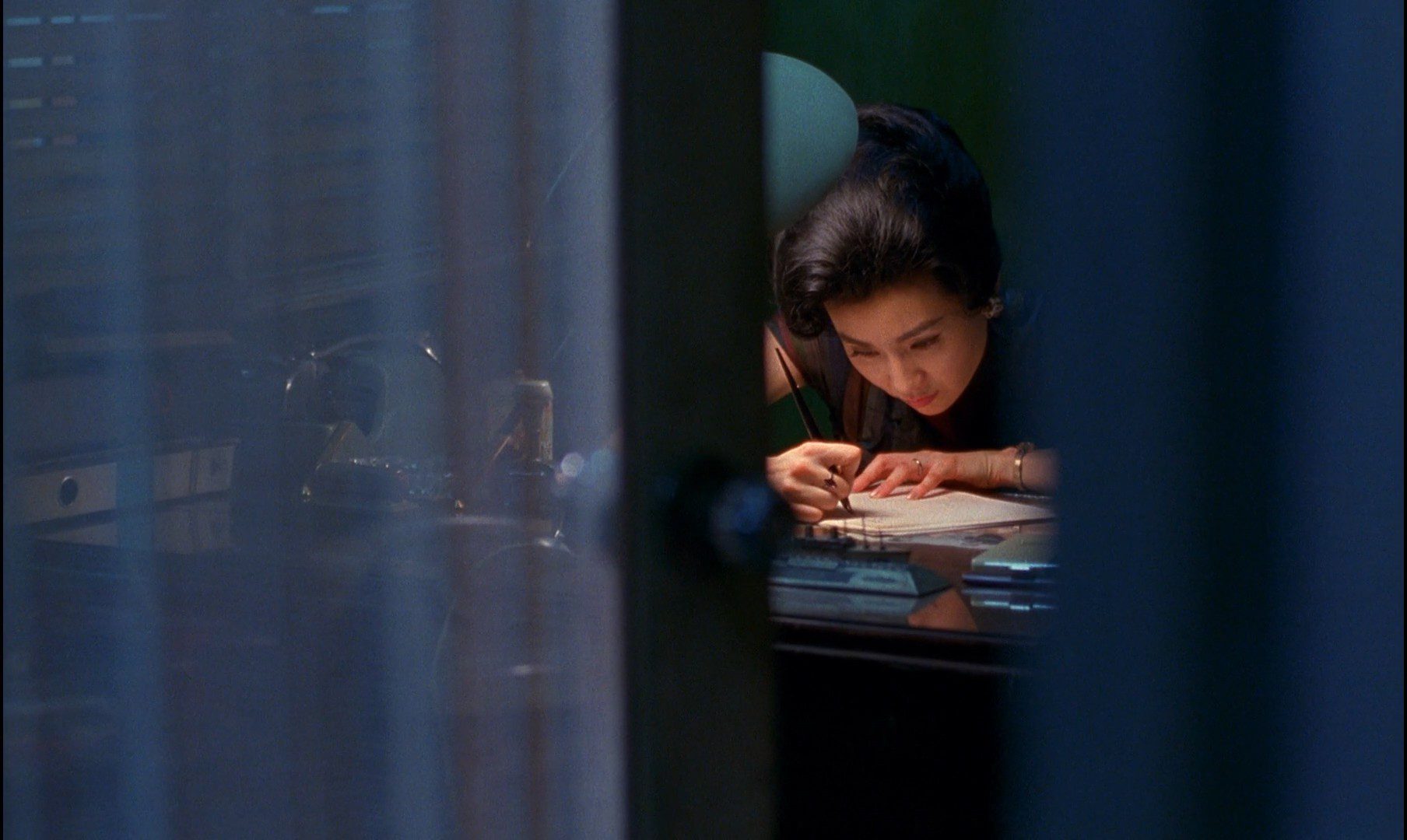
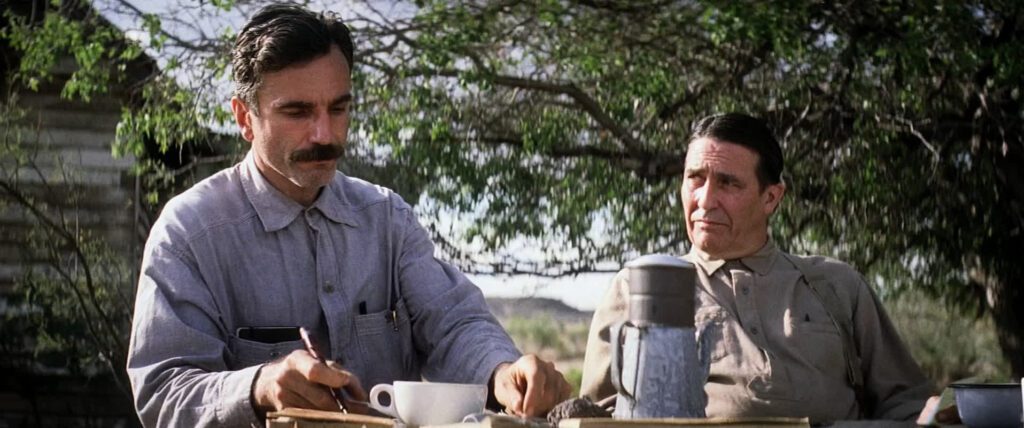
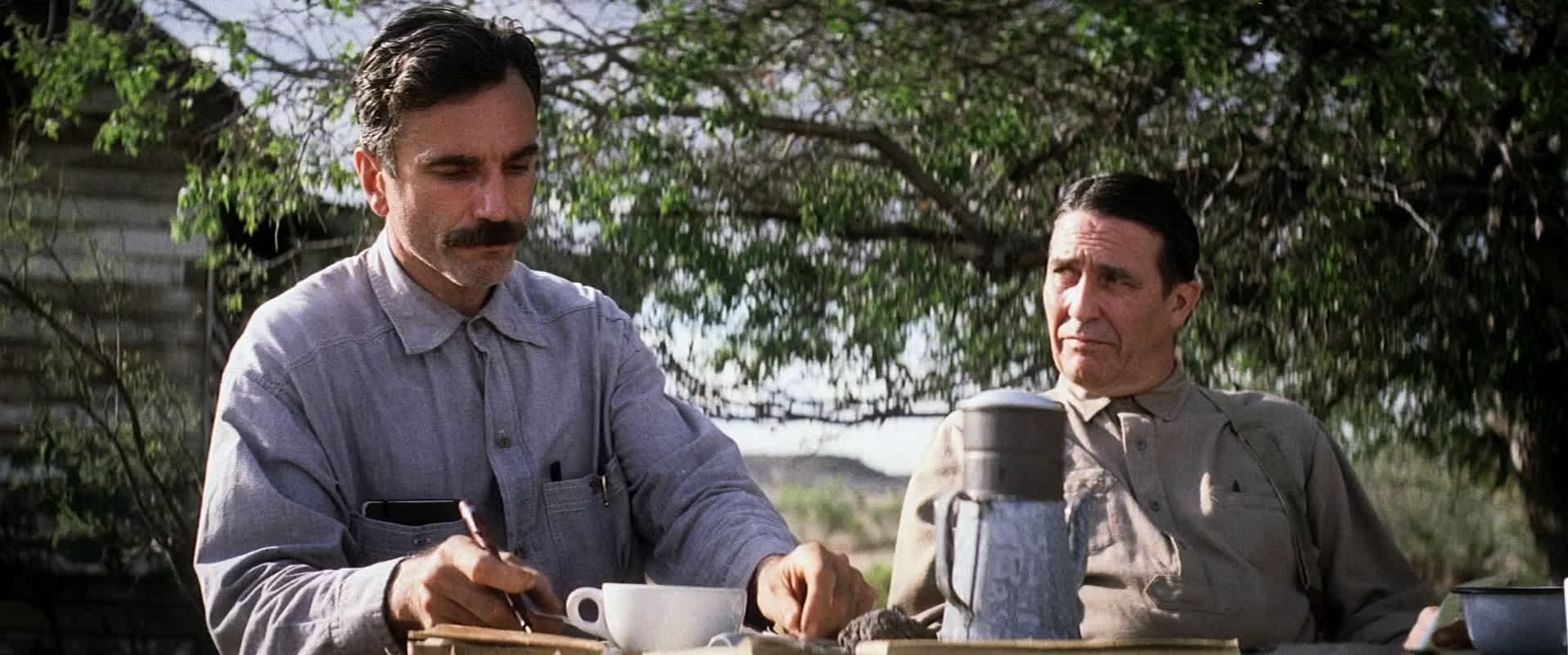
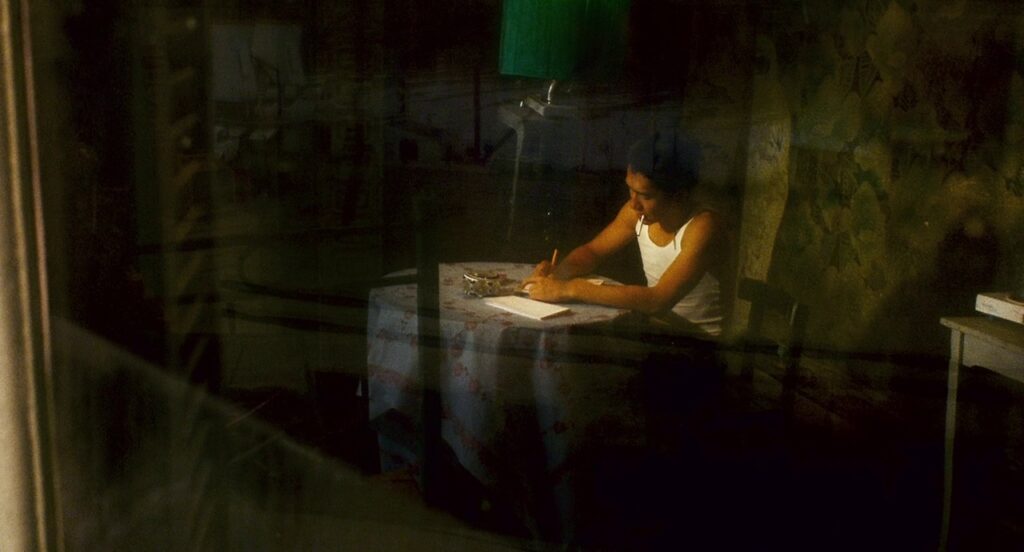
Head on over to Shot.cafe (free), ShotDeck, Stills, FilmSupply, and search for “Writing a letter” just to see the sheer volume of creativity on display.
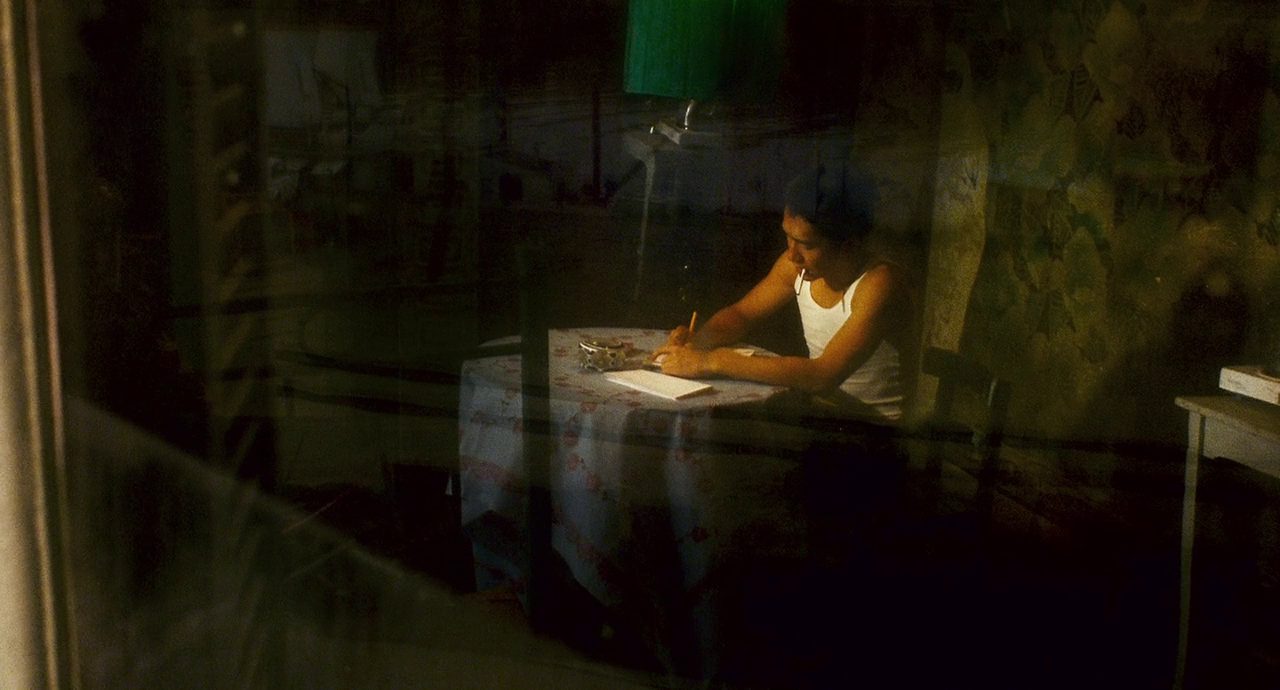
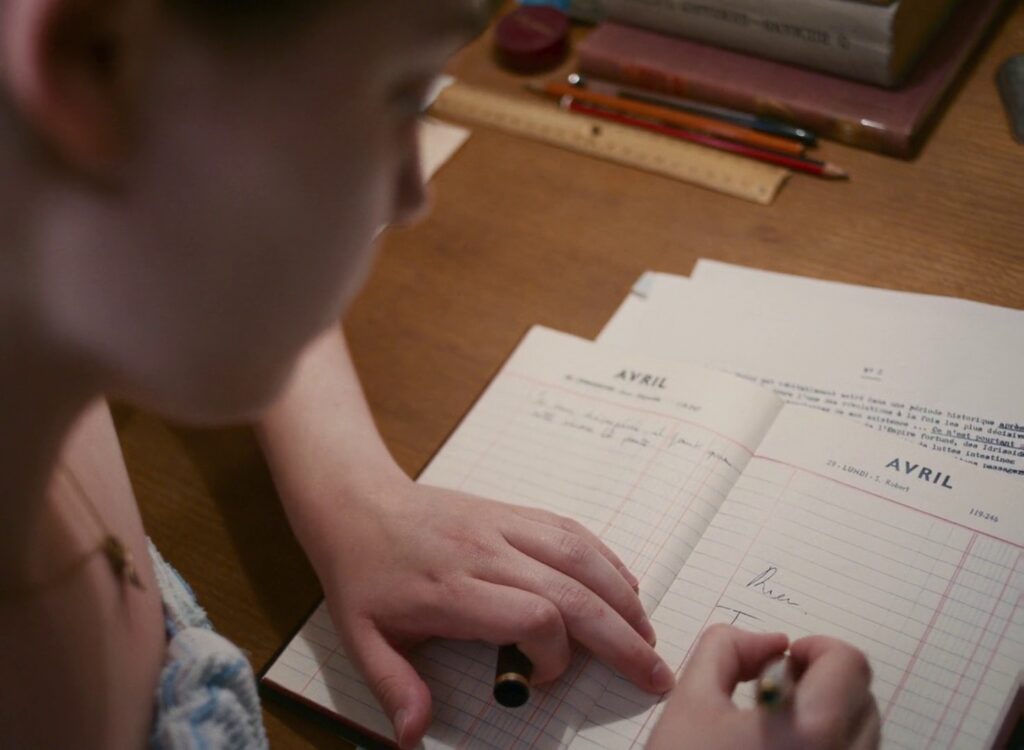
Check for different compositions, lighting, shot sizes, and depth.
Take some ideas, make a shotlist (could be a reference for each shot you need to make and write down what is needed for each) and get ready to shoot.
shots from shot.cafe
Scene Research
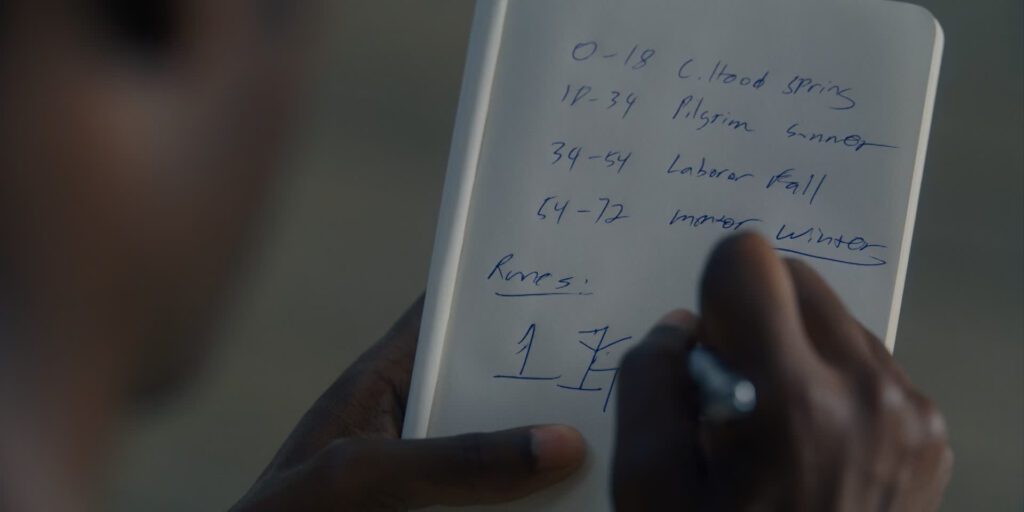
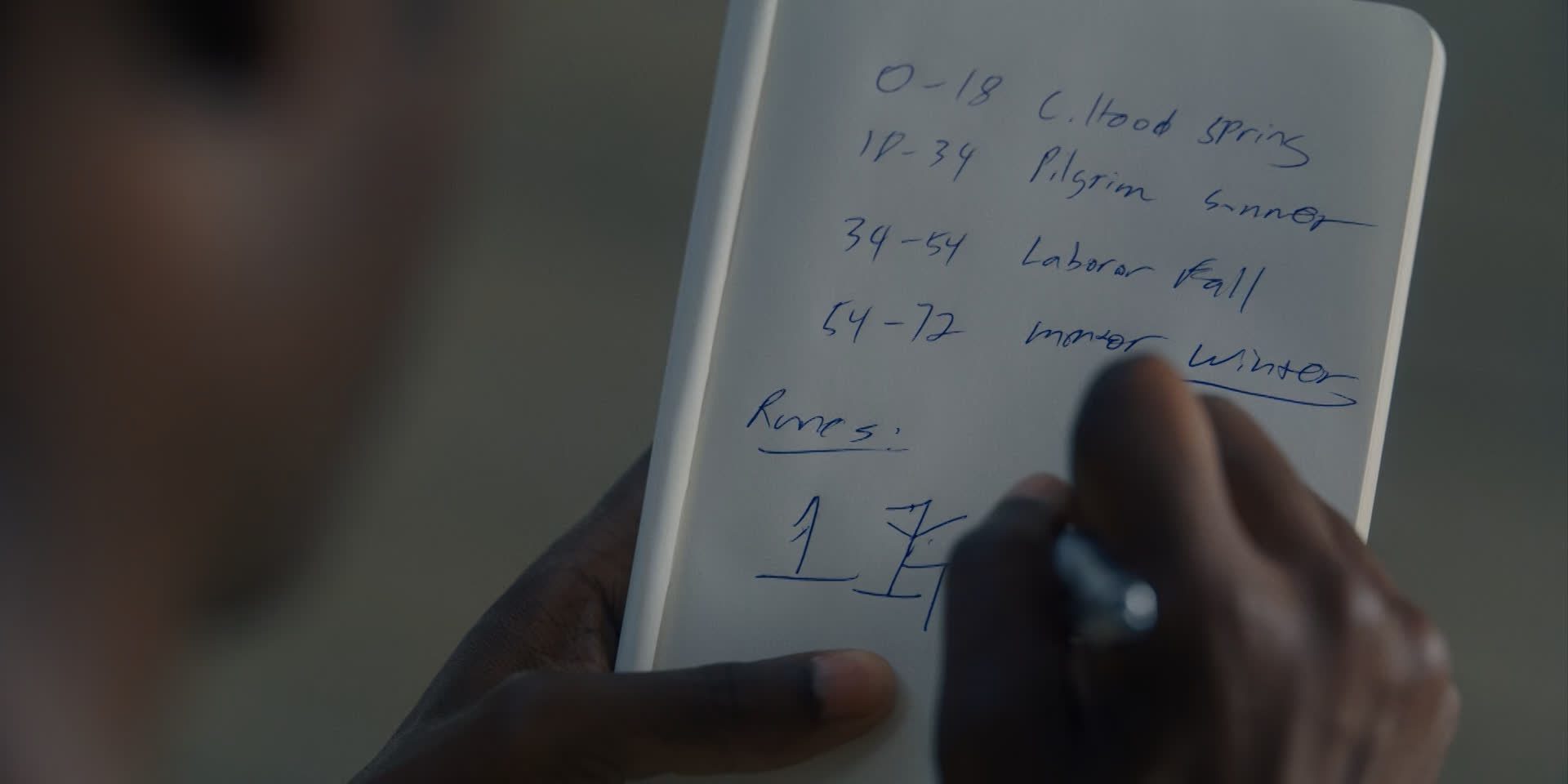
Here are some writing scenes done in movies or series to get you inspired:
- House of Cards – Typewriting apology
- Hopper’s letter in Stranger Things
- Anne with an E
- The Letter – short story by Brady Bassette
- The Fault in Our Stars – Gus eulogy for Hazel
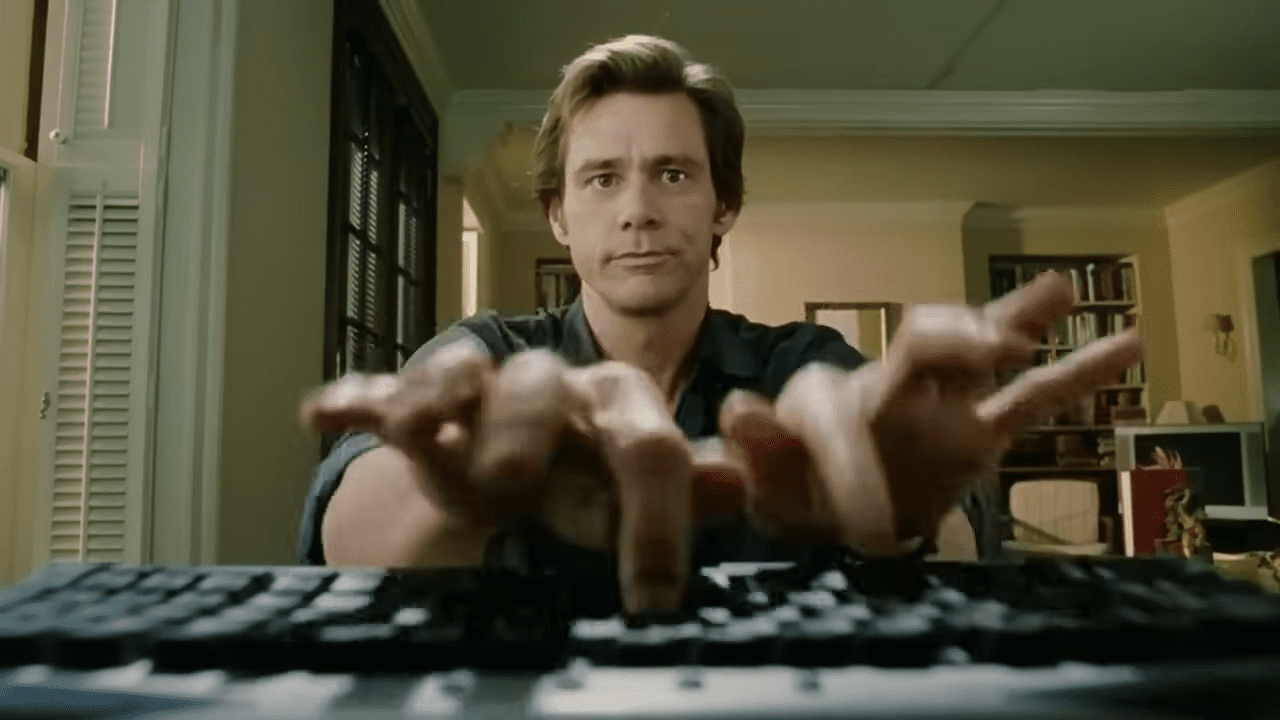
- Jim Carrey Typing
- Typewritting in Finding Forrester
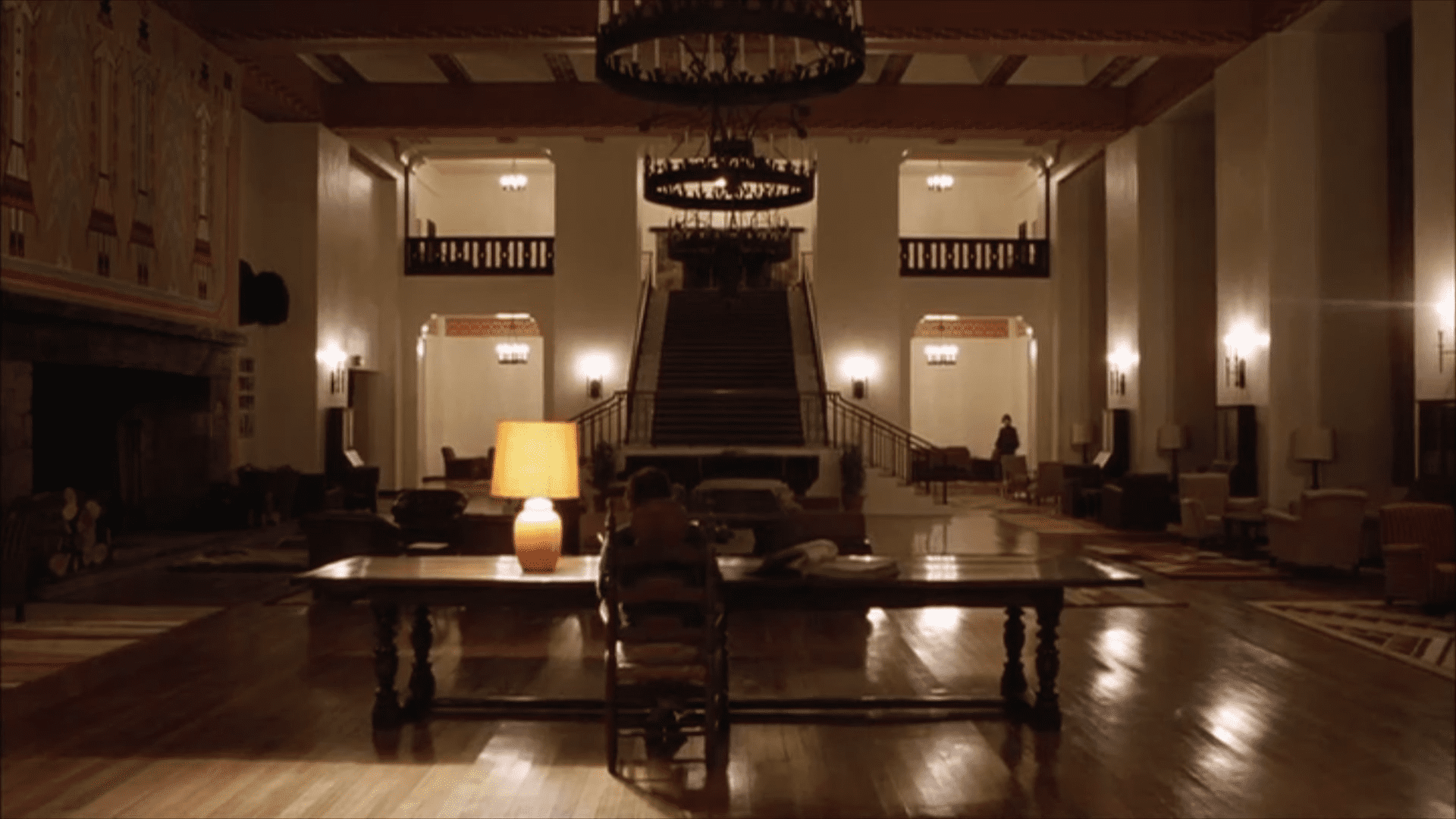
- The Shining – Johnny writing on a typewriter
- Green Book – Writting a Letter to Wife
How to Film Yourself
If you are filming alone, check if your camera has a phone app for Bluetooth or other control (Canon, Sony, Lumix, etc.) You can also ask a friend or relative to act, or even operate the camera.
No camera? Use your phone, action camera or tamagoshi.
BEG, BORROW OR STEAL.
You have no excuses not to film. Slap your recording device on a tripod (or something similar), place it where you need it, use a phone, computer or TV as a monitor, and start shooting.
Chances are your phone is still better than any film camera from the 80s. You can use a free app like Blackmagic to get more control over the video recording, or just shoot it as it comes out.
No need for fancy lenses. It’s great if you have them but you can still use a regular lens or use your phone and play with zoom and distance from the subject to get a macro-style 2× or 4× look, or go wide with 0.6×. You can even push it further with a smartphone anamorphic filter, mist filter, etc.
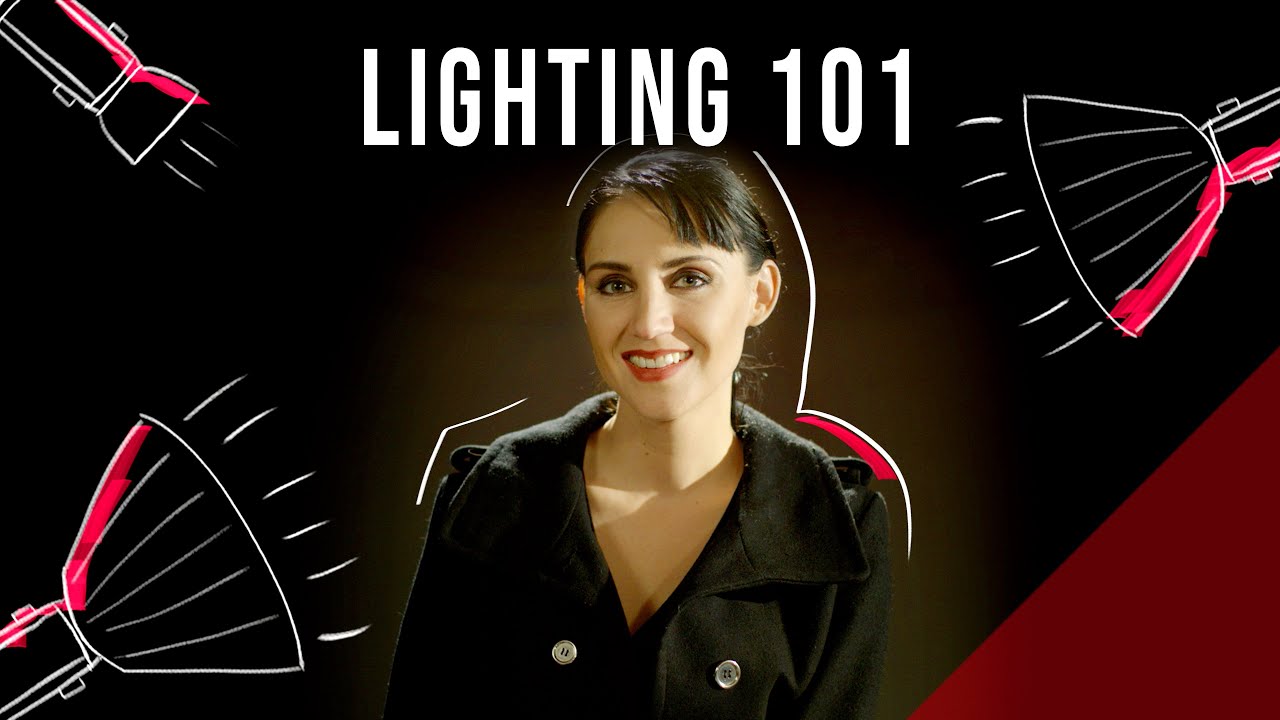
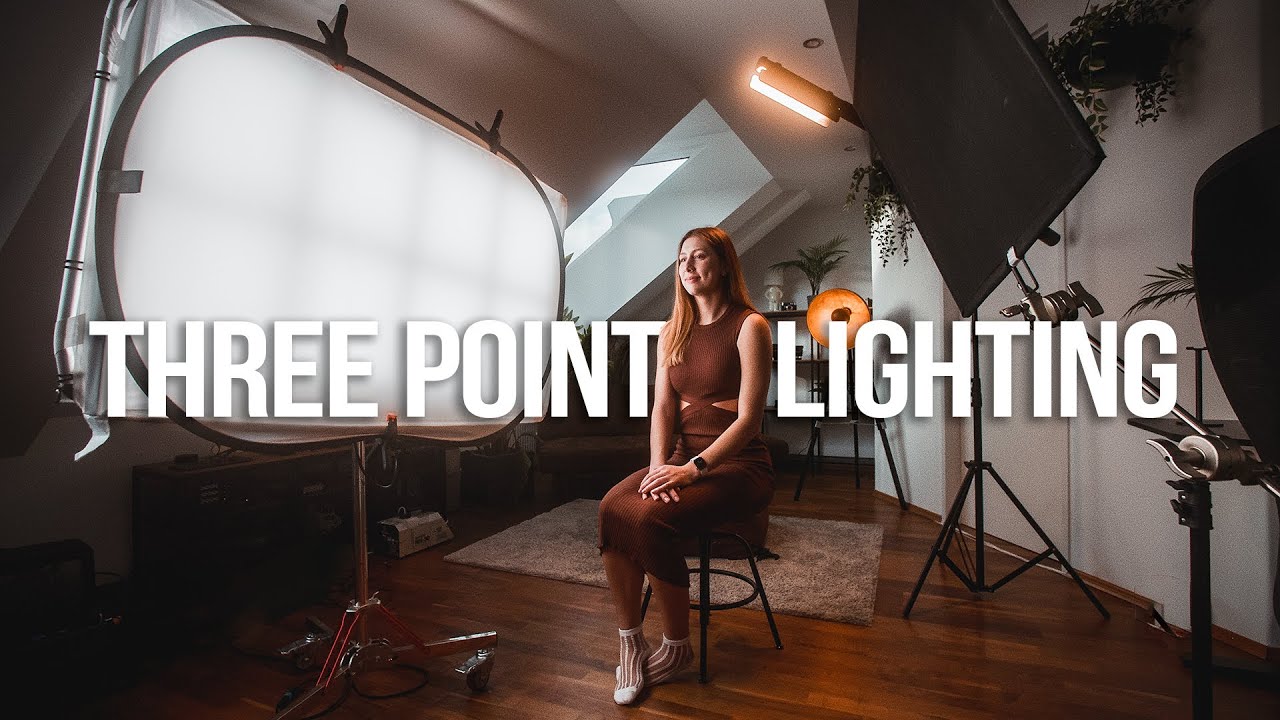
Below are some youtube videos on how to film yourself, setup some lighting and how to shoot an insert (you can find many others online).
Tips, How to & Tutorials
9:54
3:43
4:22
11:36
Time to Go Shoot
There comes a time when preparation becomes procrastination, disguised by fear.
So, just prepare a quick shot list with the setups you need to shoot (maybe you need to move some lights around depending on the shot, or move some furniture out of the way to get certain angles), get the gear ready, maybe test it, maybe get the actor, or do a quick rehearsal, and just go do it.
Whatever comes out, edit and stick with it. Next time will be better.
Share it
Once you’re done with the edit, you can watch it and share with the community!
Submit your Micro Film Challenge in the respective group here and include the hashtag.
It’s time to celebrate!
If you feel like it, you can also share some inspiration, your process, some behind-the-scenes moments, learnings, excitement, fails, and everything in between.
Also, feel free to share it on your social media and tag the community!
If this sparked your creativity, or inspired you into action, let us know! We’d love to see what you come up with.
Stay tuned for more challenges.
– The Indie Filmmakers Community Team